Welcome to your Do3 triathlon training plan
You’re all signed up – great decision. Now we just need to connect your training and get you into the Do3 Hub. Follow these quick steps and we’ll take care of the rest.
Show video summary / transcript
In this short welcome video, Dave Knight explains what happens next now that you’ve bought a Do3 training plan: how to connect your TrainingPeaks account, download and use the Do3 Hub app, where to find your “Start Here” course and training notes, how to join the community spaces, and how to get help if you’re unsure about anything.
Total time: around 5–10 minutes. After that, we’ll apply your plan for you.
Connect your TrainingPeaks account
This is the most important step – it allows us to apply your training plan. Everything else is optional (but recommended) to get the most out of your support and resources.
1. Create or log into TrainingPeaks
If you don’t already have a TrainingPeaks athlete account, create one here. If you do, just log in.
Create / log into TrainingPeaks2. Link your account to Do3
This gives us permission to add your sessions directly into your calendar.
Link to Coach David KnightOnce this step is complete, we’ll apply your training plan to your account. You’ll see it appear in your TrainingPeaks calendar shortly afterwards.

TrainingPeaks + the Do3 Hub work together: training sessions in your calendar, explanations and tools in the Hub.
Download the Do3 Hub app
The Do3 Hub is where you’ll find your welcome course, training notes, videos, calculators and community groups. It’s the easiest way to access everything that comes with your plan.
Get the app
- Weekly explainer videos for each phase of your plan
- Swim, bike and run calculators and helpful links
- Video demonstrations and extra resources
- Direct access to Do3 communities and updates
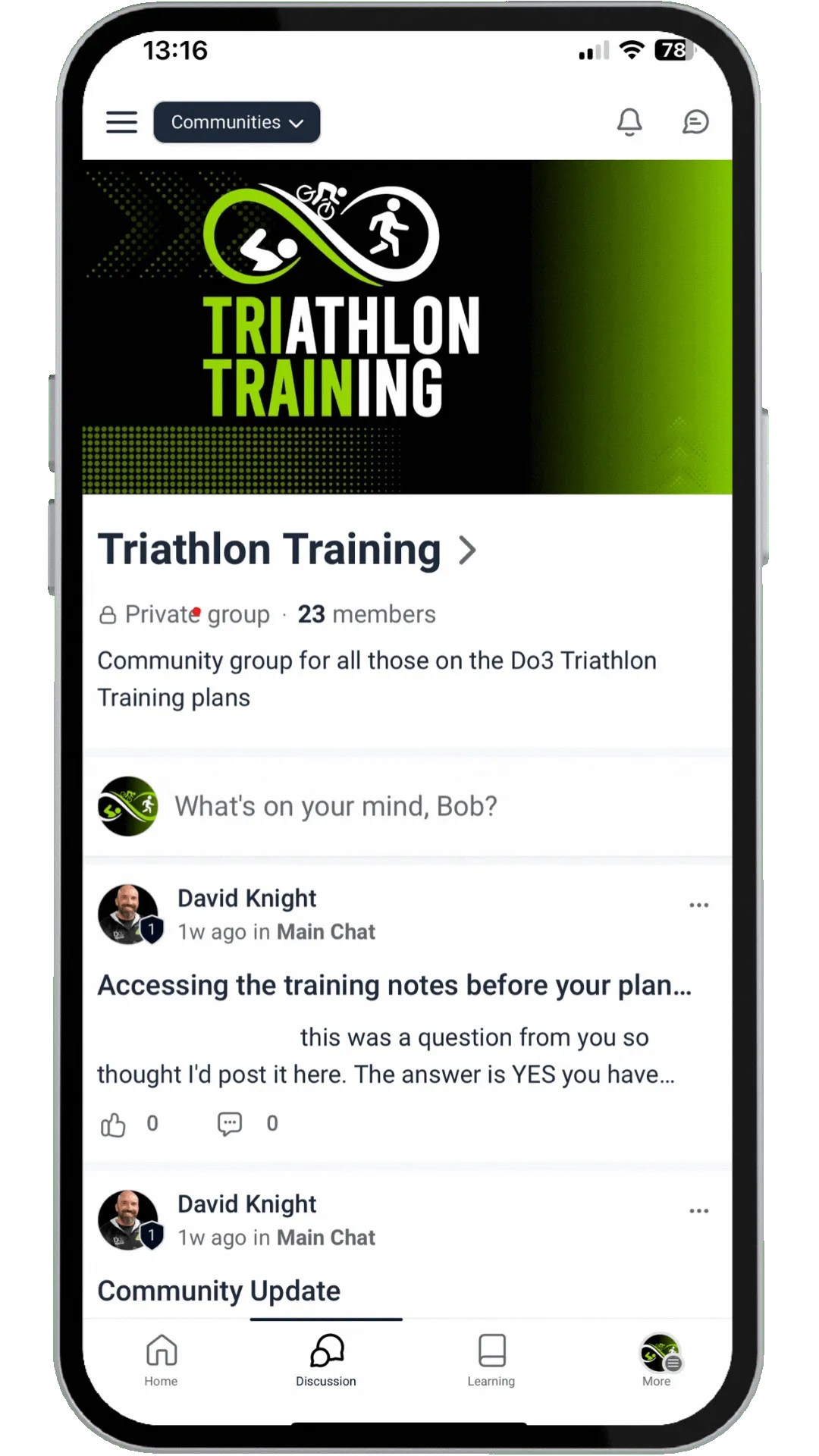
Join the Triathlon Training community to connect with other athletes on Do3 plans.
Find your course, training notes & communities
1. Sign in to the Hub
- Open the Do3 Hub app and tap Sign in.
- Enter the same email address you used to buy your plan.
- Select Sign in with secure code and enter the code emailed to you.
2. Go to your “Start Here” course
- Tap the Home icon, then choose Courses.
- Look for the START HERE course and tap Start learning.
- This walks you through all the connections you need to get training.
3. Open your training notes
- From Courses, select your training notes for your plan.
- Each week has a video explanation plus calculators, links and key reminders.
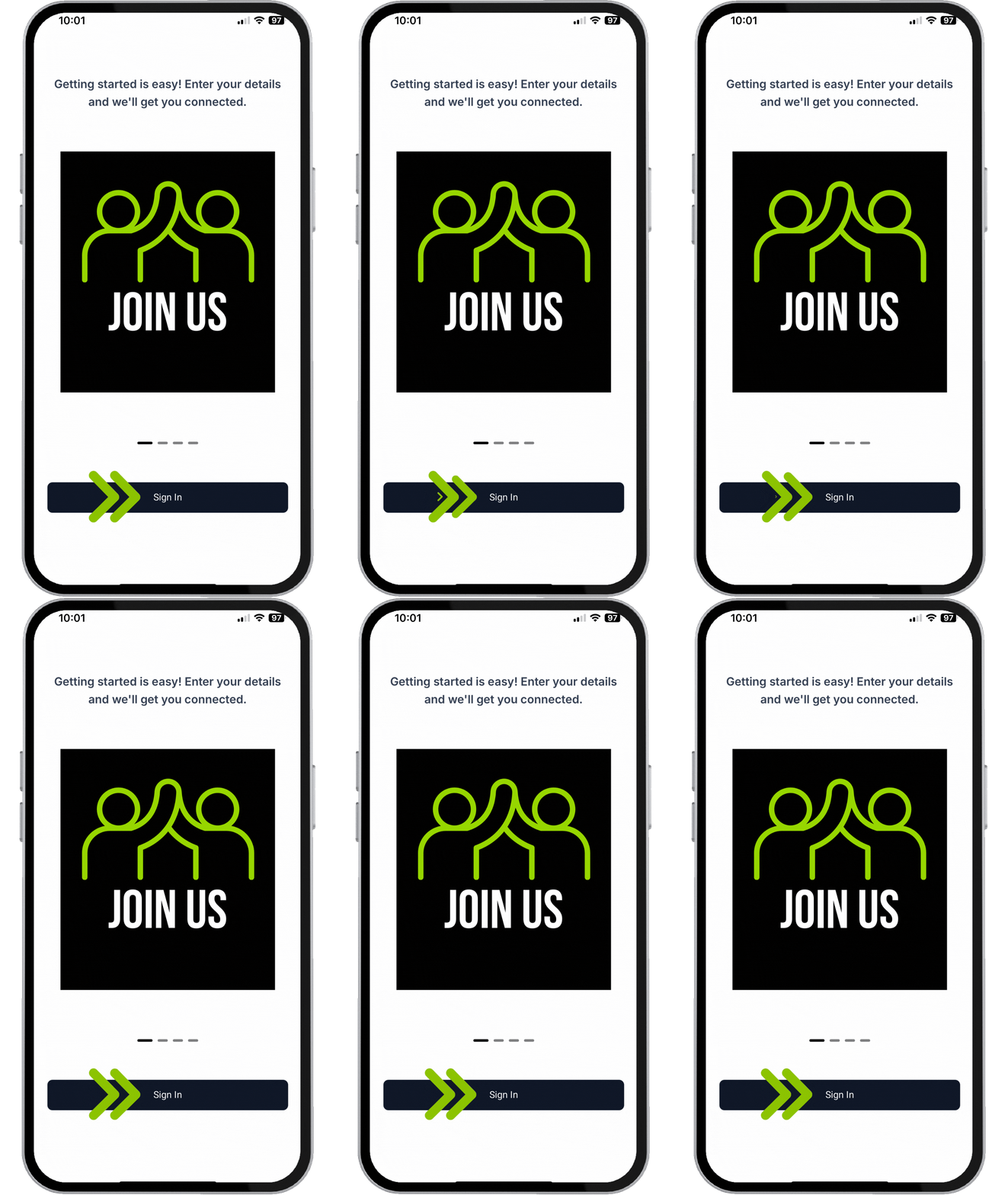
Use the Hub to access the “Start Here” course and your plan-specific training notes.
4. Join your communities
- Tap the menu icon in the top left and choose Communities.
- Join the main Do3 Community and the Triathlon Training community.
- These are the places to ask questions, share wins and stay up to date.
5. Ask questions & tag a coach
- In your training notes, tap the book icon to leave a question or comment.
- Comments are visible to others, so your question may help someone else too.
- Tag a coach to flag it up: @Anita Howe / @Corinne Moss / @David Knight.
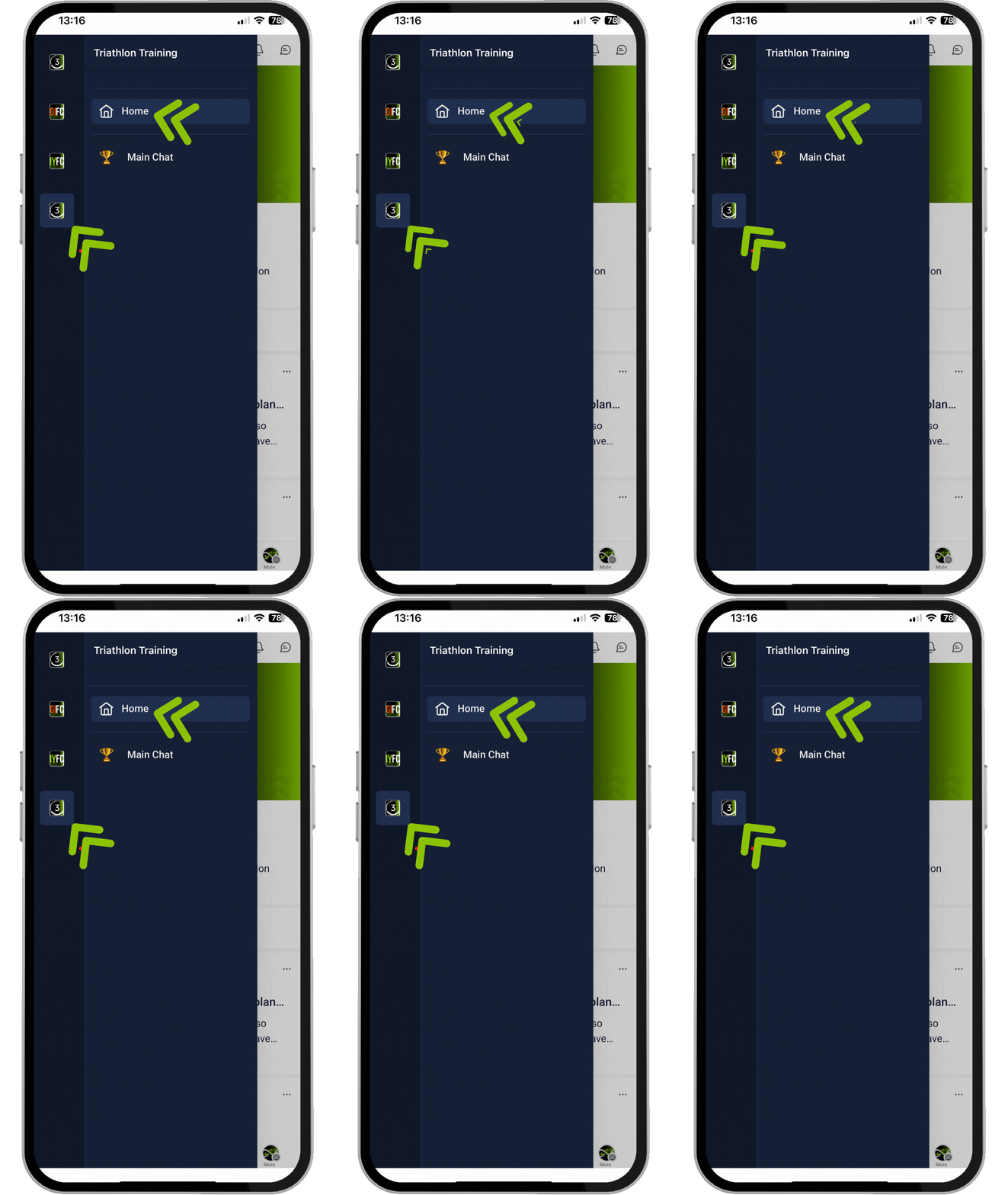
Join the communities so you’re never training alone – support, updates and conversation all in one place.
Need help getting set up?
If anything isn’t working or you’re unsure what to do next, reach out – we’d much rather you ask than get stuck.
Or post in the Triathlon Training community and tag a coach – we’ll be along to help.